
In short
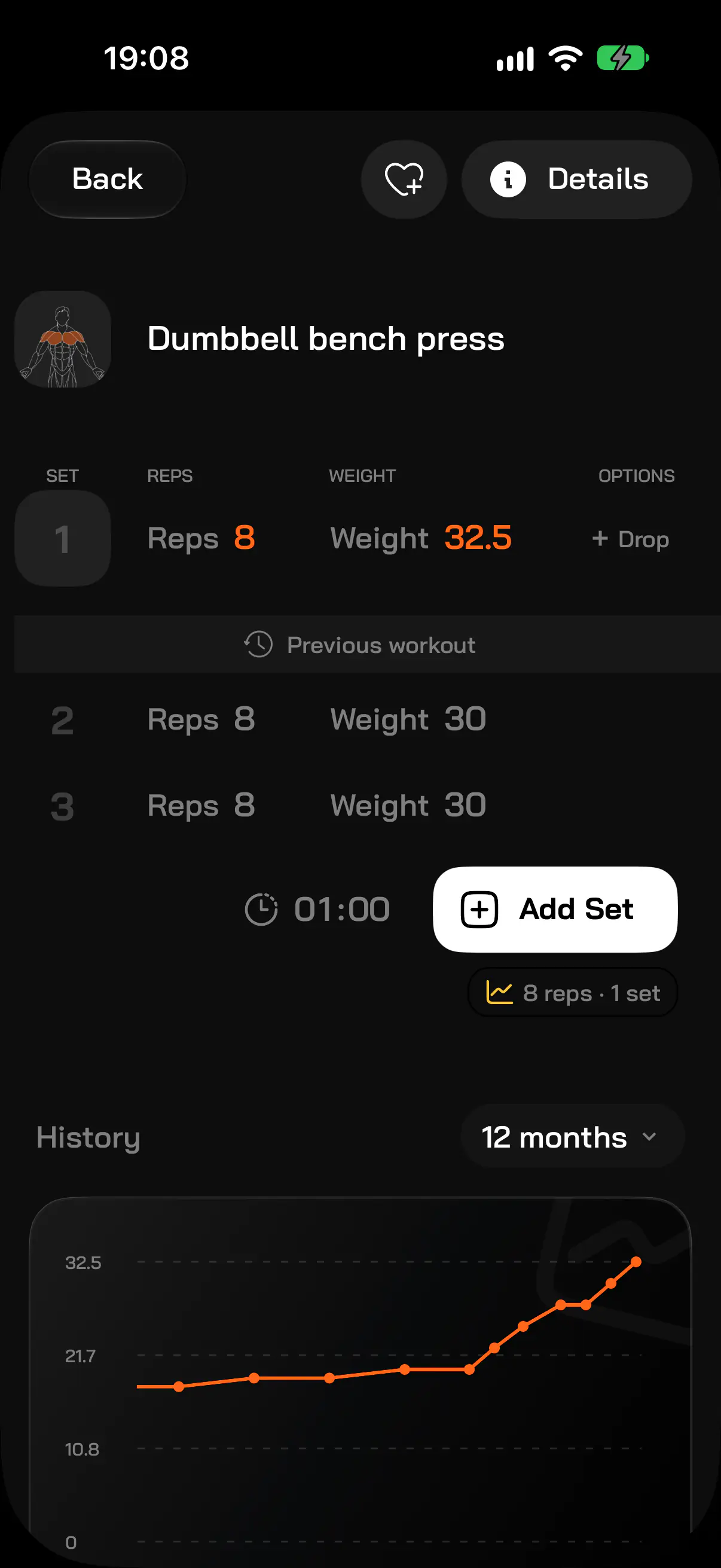
The FitMate.co workout log records sets, reps and weight and shows your previous result next to every set. You get a chart for every exercise, muscle activity, more than 700 exercises with descriptions, and history import from Strong, Hevy and CSV. The log is free.
What you log
- Sets, reps, weight — with your previous workout right below.
- Set tags — warm-up, easy, hard, to failure, in reserve, assisted or pain.
- Drop sets — add further parts of a set without a separate exercise.
- Exercise notes — machine settings, grip, hints for next time.
- Time since your last set — on the lock screen (Live Activity), in a widget and on Apple Watch.
What you see after training
- A chart for every exercise — weight, reps or volume, with your best result in the period.
- New records — your best result in the last 30 days.
- Muscle activity — a body map with sets per muscle group.
- Weekly volume — compared with the previous 7 days.
- Workout history — the last 30 days on Free, full history and trends on Pro.
Bring your history from another app
If you log workouts in Strong or Hevy, export a file there and import it in FitMate.co. Exercises, sets, weights and dates come along, so your progress charts do not start from zero. Any CSV file works too.
Apple Watch
On Apple Watch you start a workout from your plan, log sets (reps × kg, with last time’s result) and see the time since your last set. Sets logged on the watch go to the iPhone app.