 FitMate.co
Diet and training.In one app.
Calories from a photo, a workout plan and FitBanana, your AI coach. All in one place, for free.
Download for free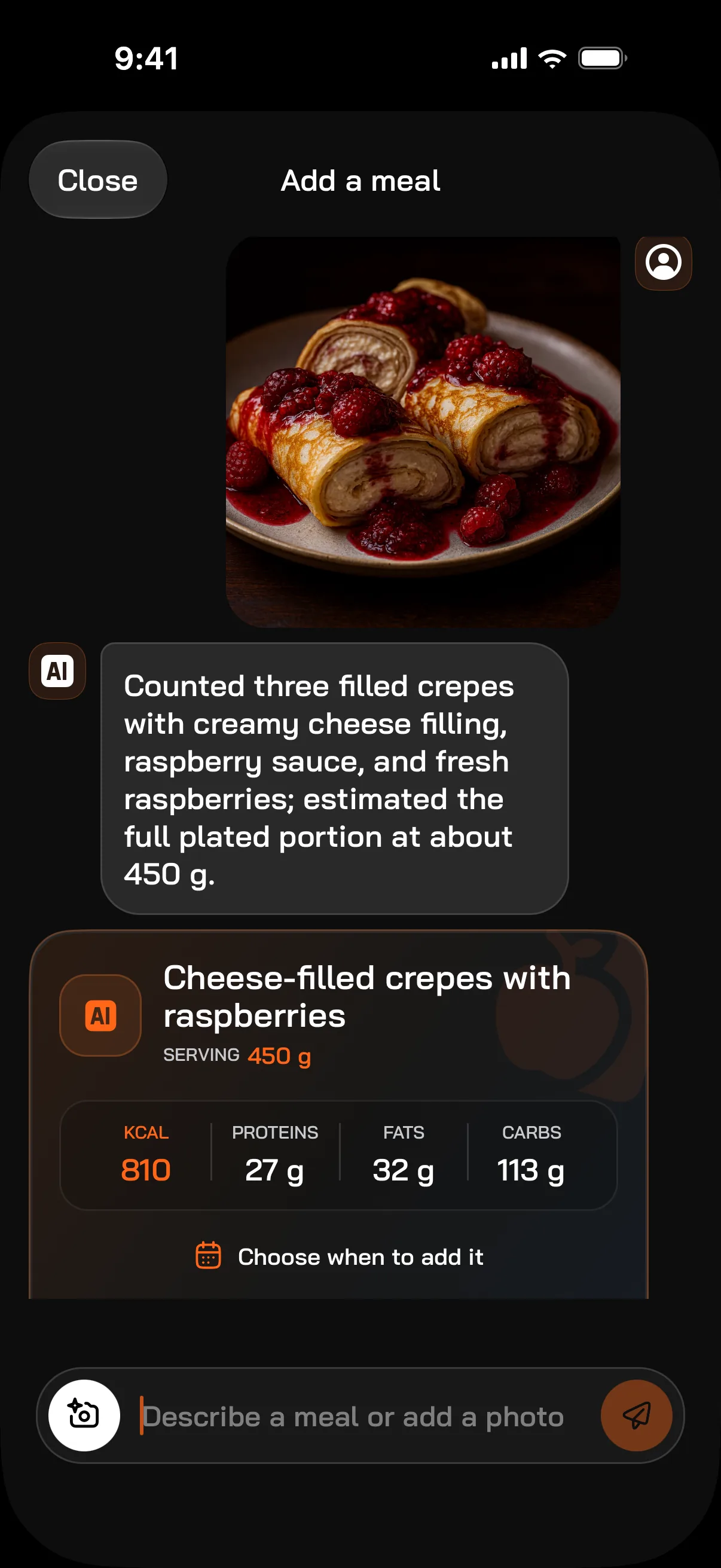

I like having training and diet in one app★★★★★ KarolinKk
I had trouble counting calories, but with the AI feature it’s very simple★★★★★ Pobierajcie ja!!!
The app has a free AI calorie counting option and ready-made training plans★★★★☆ Chrz4n3k
A well-thought-out, helpful app, free, and excellent for a small fee. Recommended★★★★★ Mihal/
Honestly the best calorie counting app, and I’ve had a lot of them★★★★★ ketrabiq
Reviews from the Polish App Store, translated.
Free to start.Pro when you want more.
Free, no limits
Limited on Free
Pro only
Pro is bought in the app. Cancel your subscription any time.
Common questions.
What is FitMate.co?
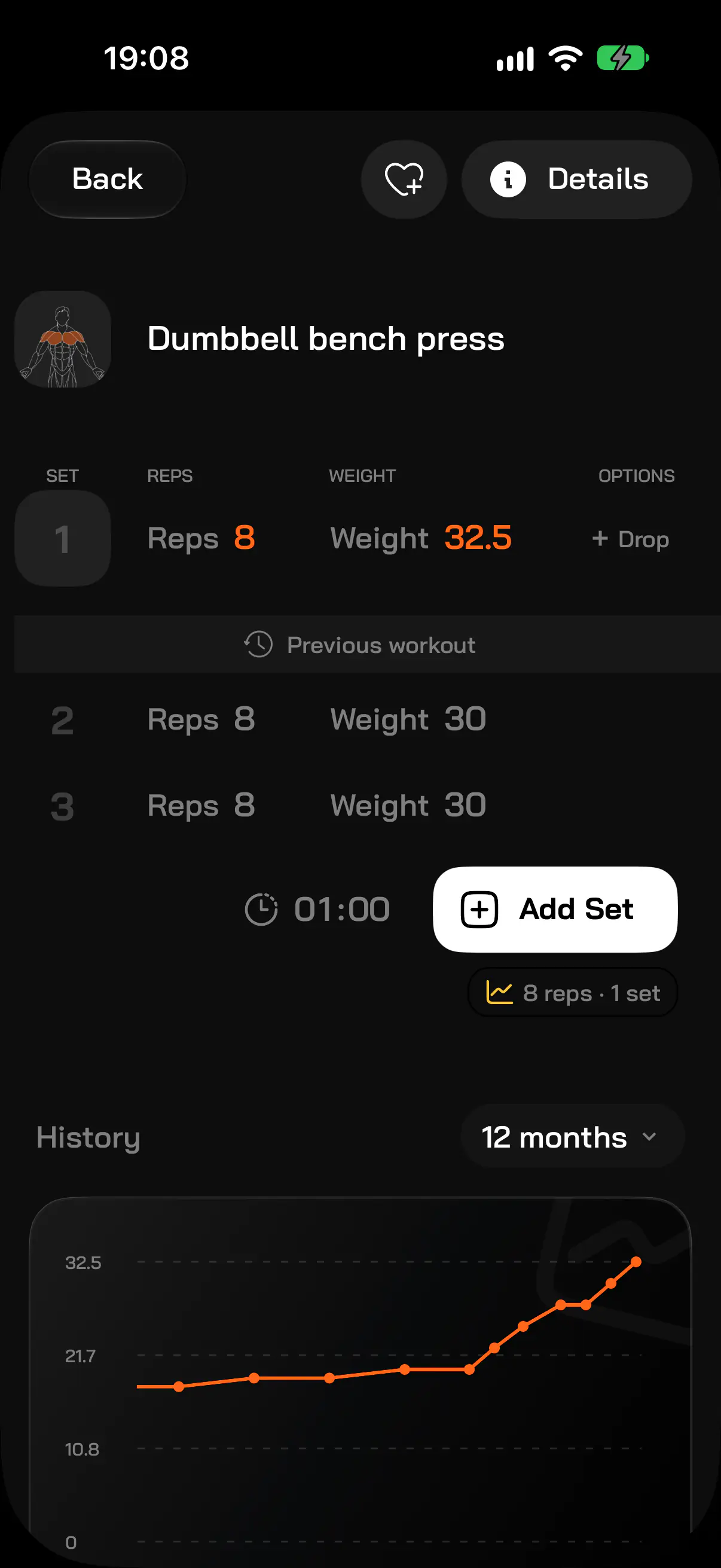
An app for iPhone and Android where you run your diet and your training in one place. You count calories from a photo, a description or the barcode scanner, train from a plan and log your sets, and every week you get a report on your diet, workouts and steps.
Is FitMate.co free?
Yes, you can use it without paying. Free includes the barcode scanner, the food database, custom foods and dishes, copying yesterday’s meals, the workout log, custom workouts and exercises, workout import, the exercise library, water, weight, measurements and widgets. Calorie counting from a photo and from a description works on Free: 4 photos and 4 AI messages a day. FitMate Pro gives 20 photos and 50 messages a day, more accurate AI models, a personalized workout plan, full history and trends, the full weekly report, Fit Recipes and further FitBanana reviews.
How does counting calories from a photo work?
Take a photo of your meal or pick one from your gallery. The AI needs about 7 seconds on average to recognize the dish and estimate the portion in grams plus calories, protein, fat and carbs. Instead of a photo you can describe the meal in one sentence, e.g. “chicken wrap and a coke”. The result is an estimate: you can correct it before saving.
Where does the food data come from?
FitMate.co has its own food database built from Open Food Facts, the USDA database and products added by users, which are checked before they go public. The barcode scanner looks a product up in Open Food Facts and in the FitMate.co database.
How is the workout plan made?
You answer a few questions: goal (build muscle, lose fat, improve endurance, stay healthy), days per week (2–6), session length (30–90 minutes), place (gym, home or calisthenics), experience level, and notes such as injuries or available equipment. With FitMate Pro, the AI builds a personalized plan from that, which you can then change by chatting. On Free you get a ready-made plan template.
Can I move my workout history from another app?
Yes. FitMate.co imports workout history from Strong and Hevy export files and from CSV files: exercises, sets, weights and dates. Import is available on Free too.
What is FitBanana?
It is the AI progress review in FitMate.co. FitBanana looks at your meals, workouts, steps and weight, asks a few short questions (about sleep, recovery or pain, for example) and suggests specific changes: a different exercise, a new calorie or step goal. You apply each change with one tap and can undo it. The first review is free.
Does FitMate.co work with Apple Watch and Apple Health?
Yes. On Apple Watch you see today’s calories and macros, add a glass of water and log sets during a workout from your plan. FitMate.co reads steps and active energy from Apple Health, and steps from Health Connect on Android.
Which phones and languages does FitMate.co support?
iPhone (iOS 16.4 or newer) and Android (8.0 or newer), in English and Polish. FitMate.co is a mobile app; there is no web version.
How does the FitMate Pro subscription work?
You buy Pro in the app, monthly or yearly, through the App Store or Google Play, and cancel any time in your store settings. If you have not had Pro before, the yearly plan starts with 7 days free.